Trade manager FAQ
Is it a position size calculator?

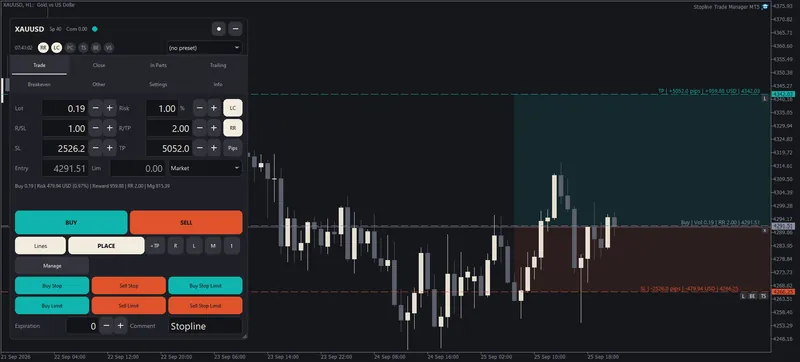
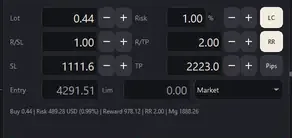
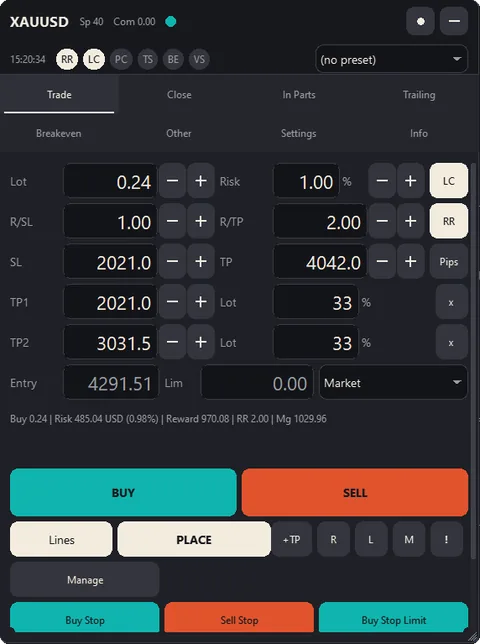
Yes, one is built in. Set your risk as an amount or a percent of the balance, equity, free margin or another base, place the stop, and the panel calculates the lot size from the tick value your account actually books, rounded down so the trade never risks more than you set. It then places the order and manages the position: take profit in steps, partial close, trailing stop and breakeven.
What is a trade manager EA?
An Expert Advisor that places and manages the trades you decide on in MetaTrader: it sizes the lot from your risk, sets take-profit levels, closes in parts, trails the stop and moves it to breakeven. Stopline Trade Manager gives no signals; every entry starts with you.
Does it do partial close on MT5 and MT4?
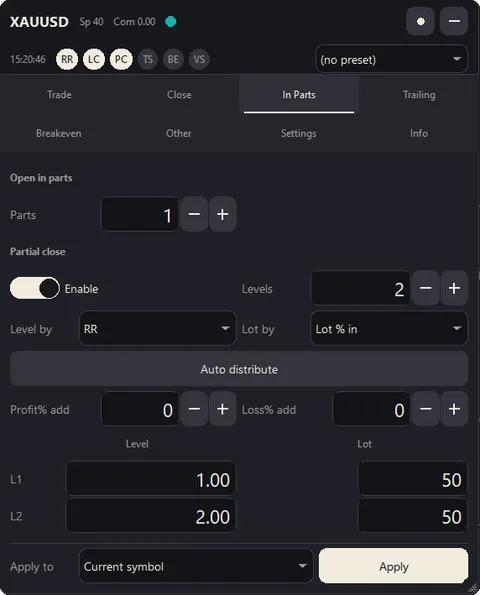
Yes, on both: up to ten levels, set automatically or by price, points, reward-to-risk, percent change, or percent of the take profit or stop loss, closing a share of the initial lot, of the remaining lot, or a fixed lot.
Which trailing stop types does it have?
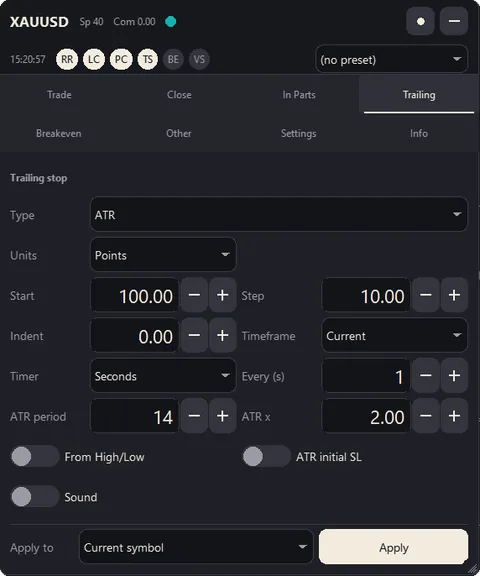
Seven: fixed distance, fractals, moving average, Parabolic SAR, ATR, the last partial-close level, and the previous bar's high or low.
Can I set several take-profit levels?
Yes, up to five per trade. Each level closes its own share of the lot and is drawn as a dotted line you can drag.
Does it support hidden stops and virtual pending orders?
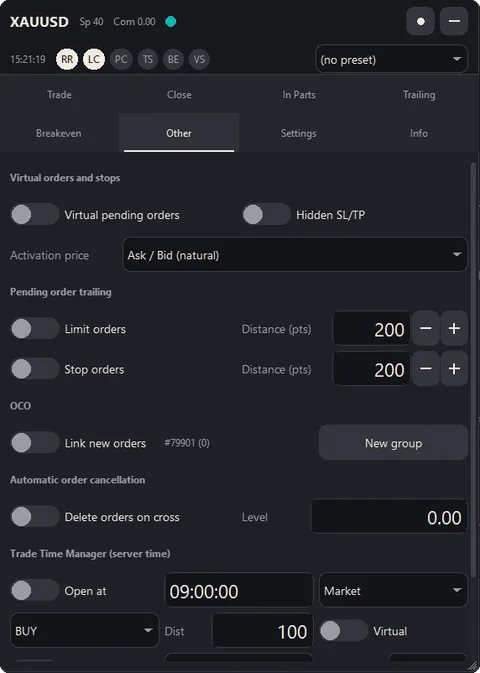
Yes. Both are kept inside the Expert Advisor, so they work only while the terminal is running and connected; use a VPS or real stops when that matters.
Does it have OCO orders?
Yes: link the pending orders you place into an OCO group, and the first one that fills deletes the others. New group starts another, for example a Buy Stop above and a Sell Stop below a range.
Can I try it before I pay?
Yes: rent it for 1 month for $30 and use the full panel on your own live or demo charts. The free demo on the MQL5 Market runs only in the Strategy Tester, where MetaTrader does not pass mouse clicks to an Expert Advisor, so you can look at the panel there but not use it. Renting is the real trial.
Can I get a refund?
The MQL5 Market does not refund purchases, so don't buy blind: rent it for 1 month ($30) and use it on your own charts first. If something does not work as described, write in the product's Comments: the MQL5 rules let you ask for a fix within a month of purchase, and we answer within 24 hours.
Will it touch my other trades or Expert Advisors?
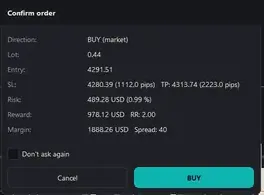
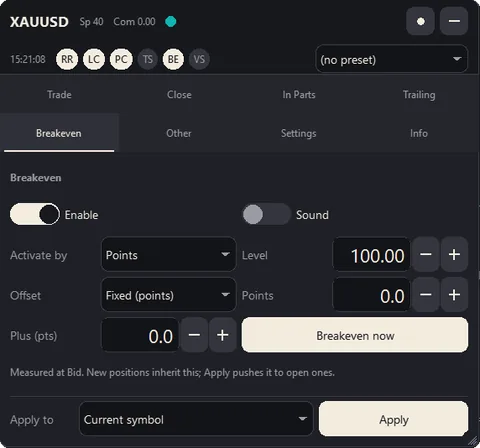
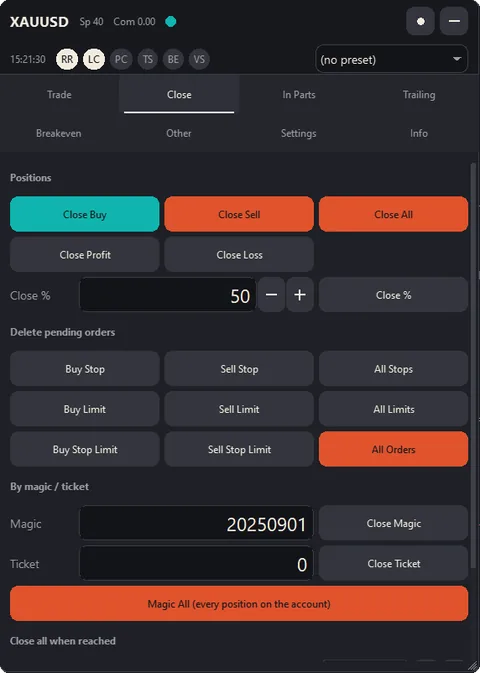
Only when you ask it to. It sends nothing without your press and a confirmation (unless you switch to one-click). Breakeven, trailing, partial closes and the Close buttons act only on positions with the panel's own magic number, so other Expert Advisors' trades are left alone. Three settings reach further, each your own choice: magic number 0 (manage every position), "Apply SL/TP to positions opened manually" (new positions on the chart's symbol opened outside the panel get its stop and target), and the Close tab's close by magic number, by ticket or Magic All. It never changes your own chart drawings.
Can I use it on a prop-firm account?
It is a manual trading tool, but the rules are the firm's: check that it allows Expert Advisors first. The daily loss limit blocks new entries for the rest of the day once your loss reaches your limit; maximum open trades and exposure per symbol stop you from overtrading or doubling up on one symbol.
Which brokers and symbols does it work with?
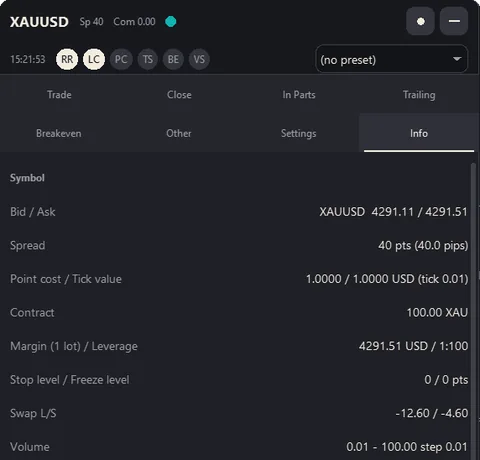
Any MetaTrader broker and any symbol it offers: forex, metals such as XAUUSD, indices, stock CFDs and crypto CFDs. The lot uses the tick value your account actually books, and the panel tells you when the broker's published figure is different.
MT5 or MT4: which version do I need?
The one for the terminal you trade in: Stopline Trade Manager MT5 for MetaTrader 5, Stopline Trade Manager MT4 for MetaTrader 4. The panel, the functions and the manual are the same. The differences come from MetaTrader 4 itself: no netting accounts; no stop-limit orders, so the MT4 version keeps them itself until the stop price trades and, like virtual orders, they need the terminal running; and a new ticket for the rest of a position after a partial close. Each manual lists them. The two are separate products: a purchase of one does not include the other.
On how many computers can I use it?
On 10. MQL5 ties each activation to a computer and its operating system installation, not to a trading account, so you can use any broker and any account on those computers.
I reinstalled my operating system. Do I have to buy again?
No. The new installation uses one of your 10 activations.
Does it open trades by itself?
No. Every entry starts with you. The only exception is a scheduled open you set up in the trade time manager. In a Strategy Tester run without visualization it makes one small test trade, which the MQL5 Market's automatic check requires.
Does it work on netting accounts?
Yes, on MetaTrader 5: a new trade merges into your position, and an option previews the merged lot and price before you send. MetaTrader 4 accounts keep every order as its own position.
Does it work on a Mac?
Yes, in MetaTrader 5 for macOS (metatrader5.com, macOS 10.15.7 or later) or MetaTrader 4 for macOS (metatrader4.com, macOS 11 or later), the installers MetaQuotes provides for Intel and Apple silicon. Buying, installing and using it work as the manual describes. MetaTrader's shortcuts use the Control key, not Command, and F7 may need Fn. A Mac counts as one of your 10 activations. The panel draws with the fonts the Mac has, so its text can look slightly different.
Do hidden stops work when my computer is off?
No. They live inside the Expert Advisor, so they work only while the terminal is running and connected. Use a VPS or real stops when that matters.
Can I run it on a VPS?
Yes. On a VPS with MetaTrader use it as on your computer. With MQL5 Virtual Hosting the panel is not visible, but breakeven, trailing, partial closes and hidden stops keep running.
The hotkeys do nothing. Why?
Usually an input box on the panel has the keyboard: click once on an empty part of the chart. MetaTrader never passes Alt combinations to an Expert Advisor, so use Shift or Ctrl+Shift.
Your entry. Your exit. Your way.
Launch price $49 for the first 10 copies of each version, then $99. Or rent it for 1 month for $30.